
Grok Video Generator
Create polished HD clips from prompts or photos in minutes — Grok Video Generator makes social-ready videos fast.
Feedback
AI Tools
Explore AI tools

Seedance2.0
The Future of AI Video Is Here.
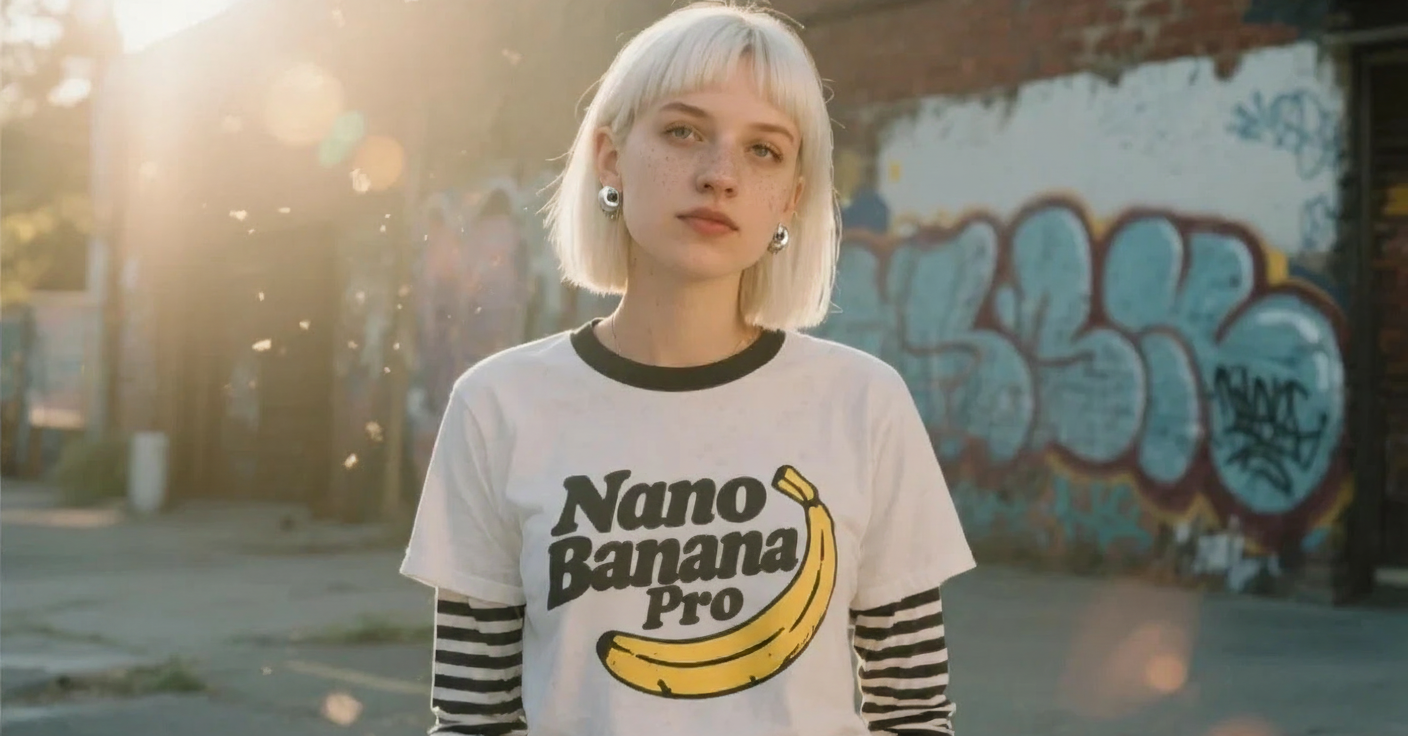
Nano Pro
Advanced AI Image Generator

Veo3.1
Create Stunning Videos with Veo3.1

Kling3.0
Next-Gen AI Video Generator
Sora2 Video Generator
Advanced AI Video Generator for High-Quality Videos
Kling Motion Control
Turn reference images into amazing motion videos in minutes
Kling 2.6
See the Sound, Hear the Visual.
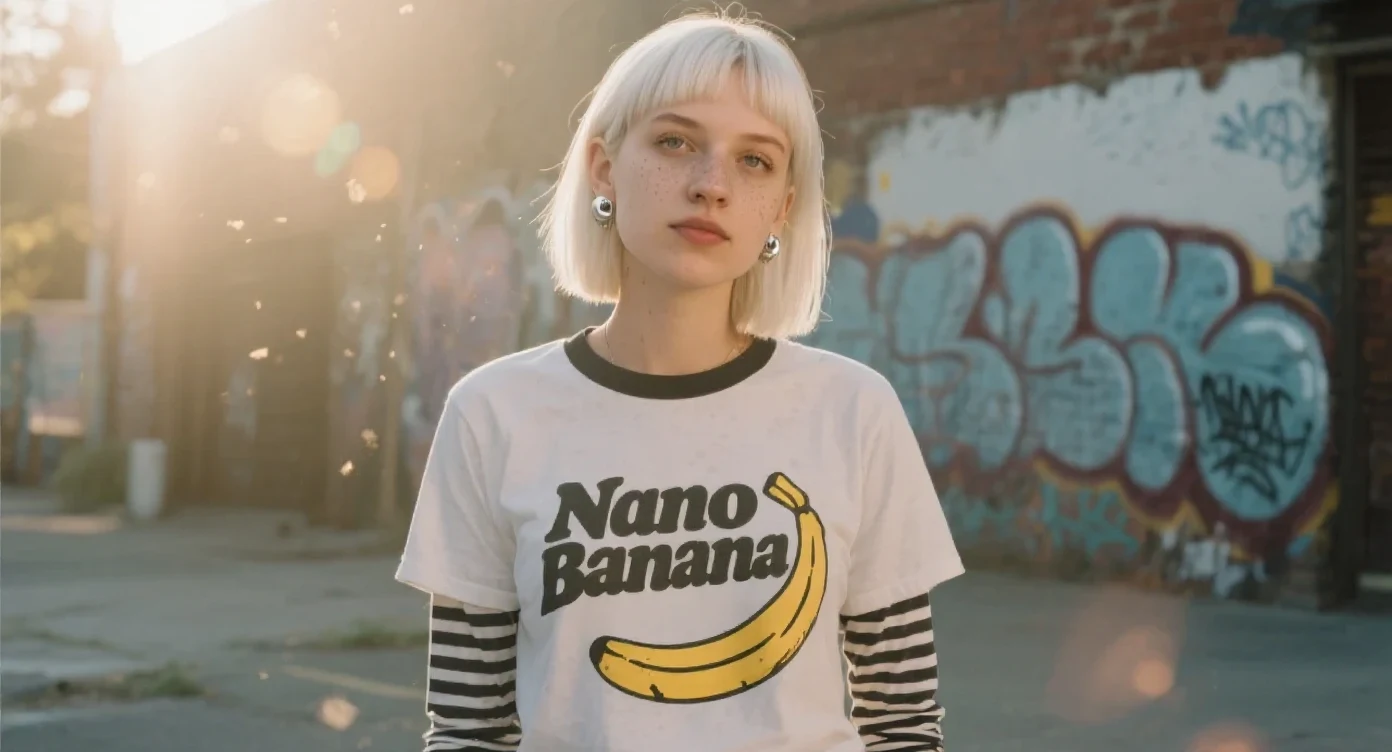
Nano Banana Image Generator
Advanced AI Image Generator
Why Grok Video Generator
Grok Video Generator turns prompts and images into HD-ready videos with fast, reliable results for social sharing.
- Text-to-VideoCreate cinematic clips from prompts with Grok Video Generator.
- Image-to-VideoTurn photos into natural motion using Grok Video Generator.
- Mobile-ReadyExport social-first formats optimized by Grok Video Generator.
How to Use Grok Video Generator
Four simple steps to create HD videos with Grok Video Generator.
Grok Video Generator Features
Natural motion, presets, and mobile-optimized exports — Grok Video Generator is ideal for short-form content.
Multi-Input Support
Create videos from prompts or images with Grok Video Generator.
Natural Motion
Smooth, lifelike movement produced by Grok Video Generator.
Style Presets
Apply cinematic or social styles quickly using Grok Video Generator.
Social Formats
Export vertical and square videos ready for social sharing with Grok Video Generator.
Fast Rendering
Quick previews and rapid iteration enabled by Grok Video Generator.
Easy Export
One-click downloads from Grok Video Generator.
Grok Video Generator — FAQs
Short answers on Grok Video Generator features, speed, and exports.
What is Grok Video Generator?
Grok Video Generator is an AI tool that creates videos from text or images.
What can I create with Grok Video Generator?
Social clips, ads, trailers, and animated scenes produced by Grok Video Generator.
How fast is Grok Video Generator?
Grok Video Generator typically renders clips in 1–4 minutes.
Can I download from Grok Video Generator?
Yes — export MP4s or share links from Grok Video Generator.
Can I use Grok Video Generator commercially?
Commercial use of Grok Video Generator depends on your subscription plan.
What quality does Grok Video Generator support?
Grok Video Generator exports at 480p, 720p, and 1080p resolutions.
Create videos with Grok Video Generator
Make professional HD videos fast with Grok Video Generator.